+91 9824769936
☰
Drive customer engagement and actions by adding buttons in an interactive message
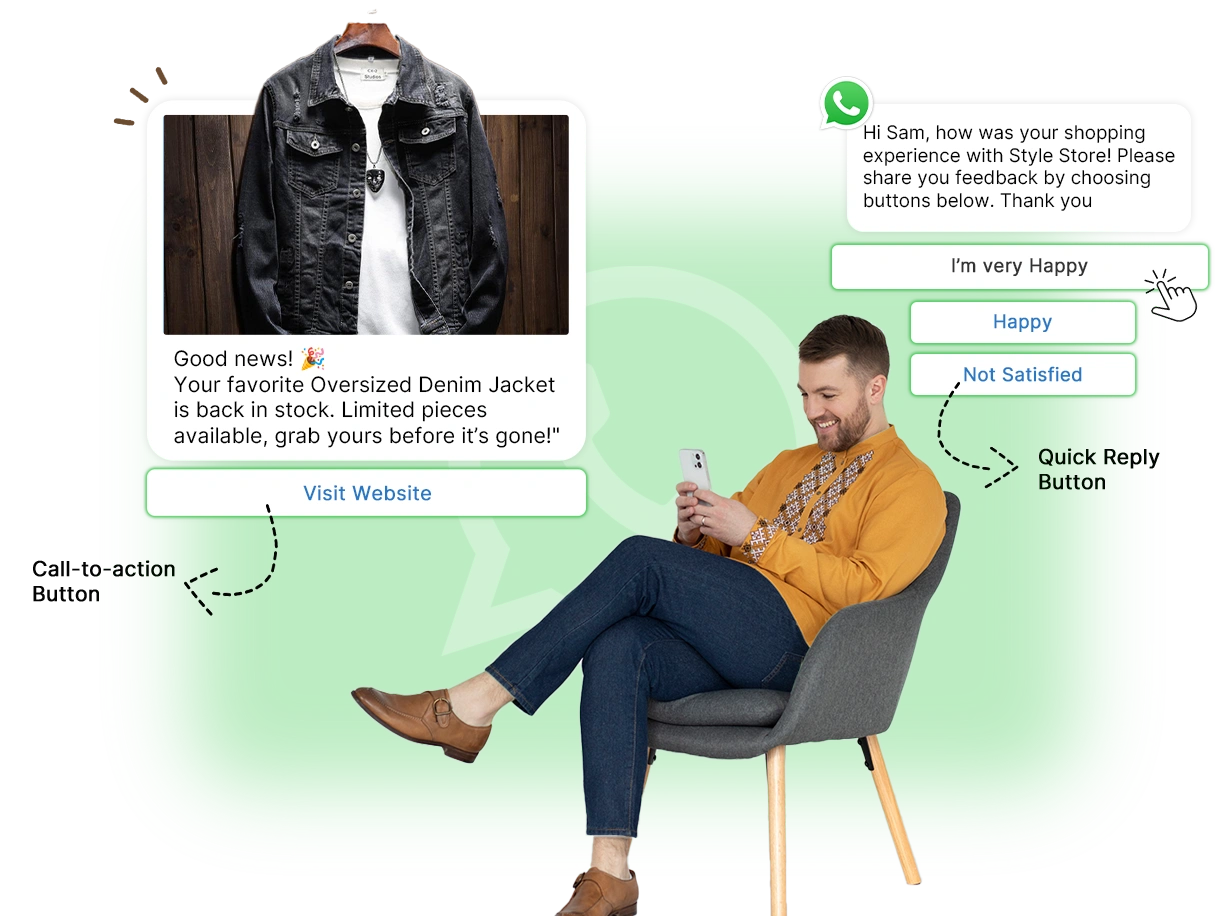
A WhatsApp interactive message is a type of message that includes clickable buttons. It’s a WhatsApp Business API feature allowing users to take immediate actions with a single tap instead of typing directly within the message.
Allows the user to give a quick reply consisting of three button options (e.g., to continue a conversation, reorder, or complete a task) with a single click

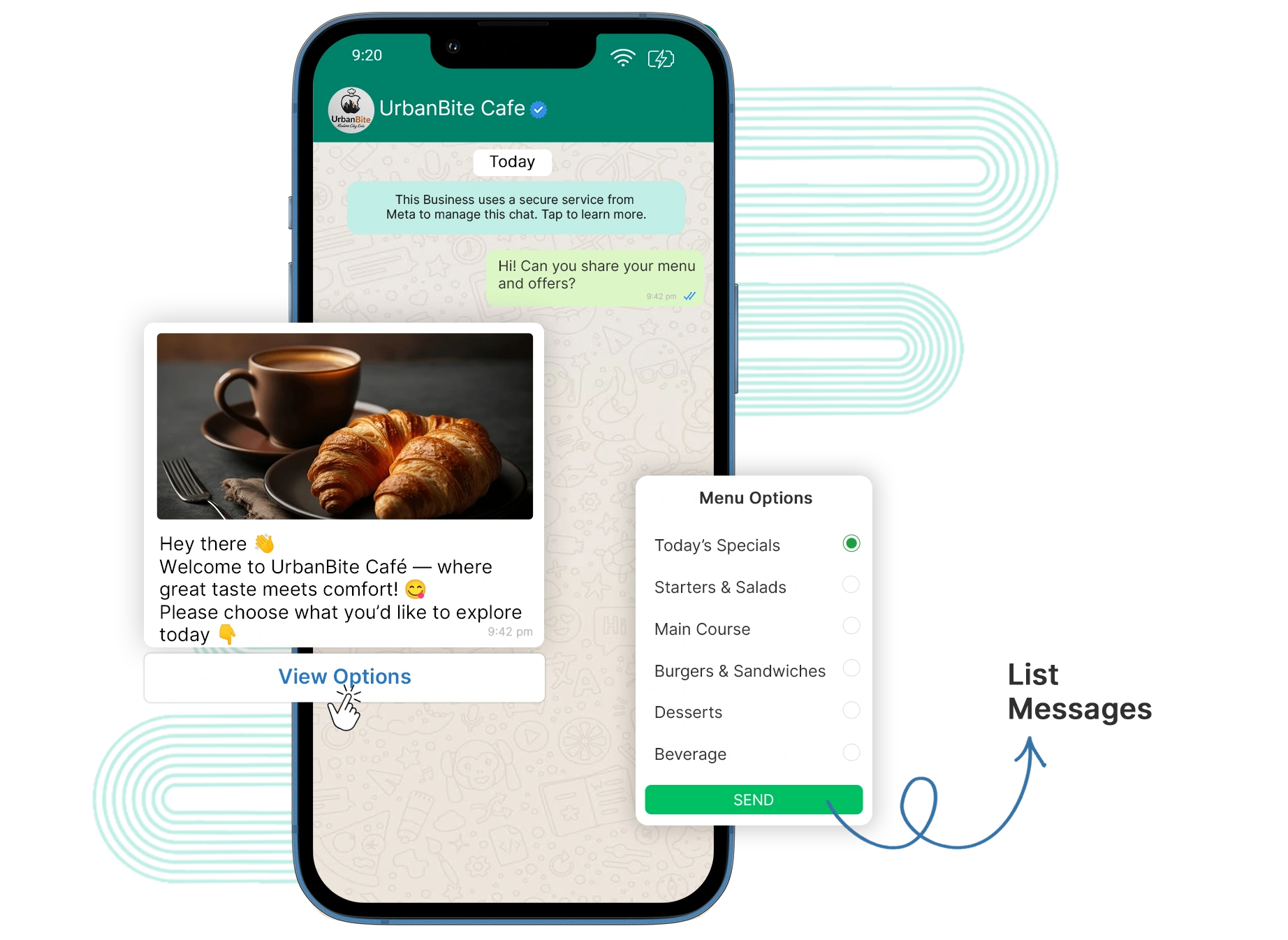
Give a menu of up to 10 scrollable options to let users choose what they want. For example, checking FAQs, viewing the restaurant menu, and the nearby store.
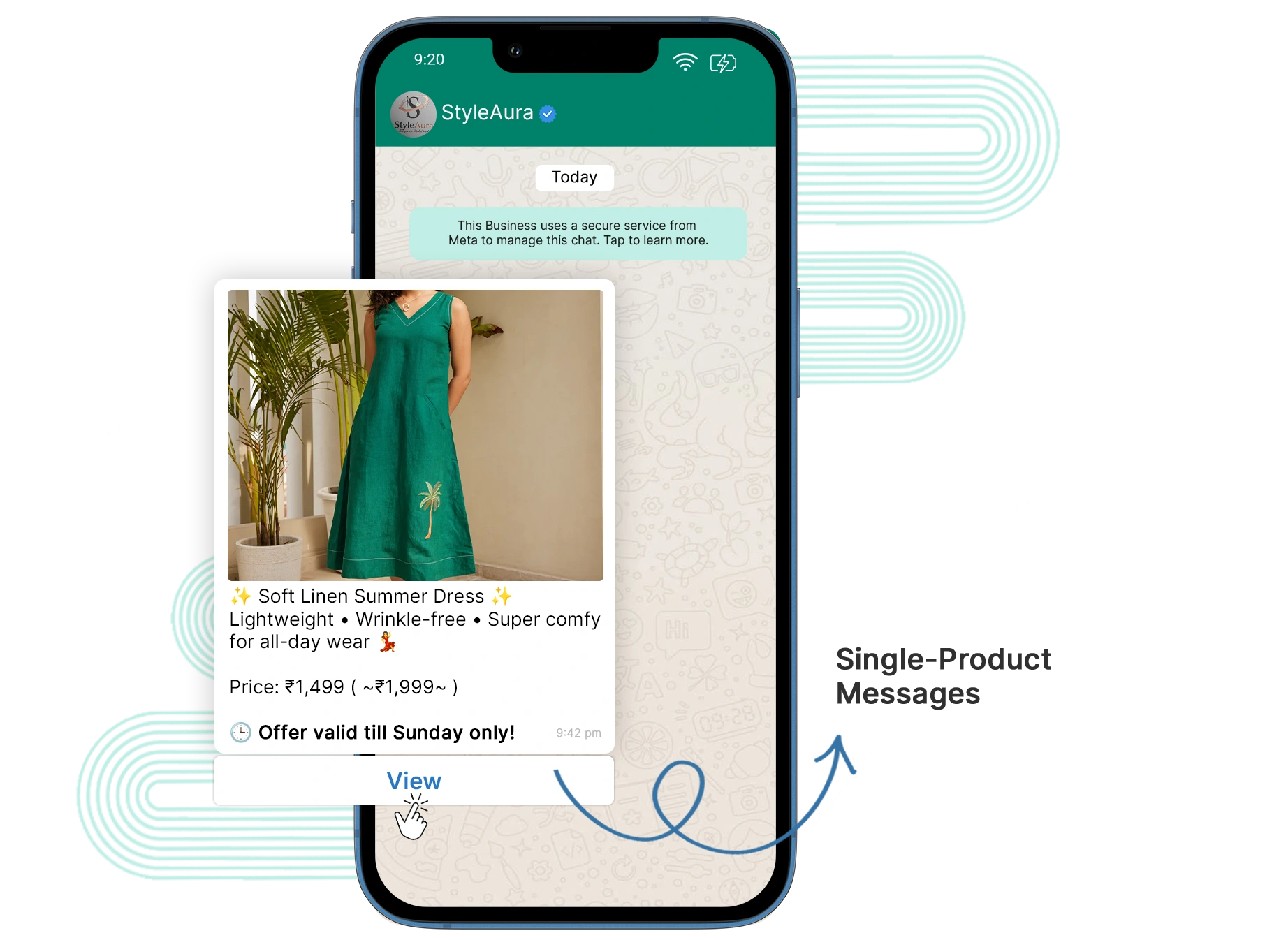
Display your specific product with its details and call-to-action button, great for promoting offers and bestsellers.
Show up to 30 products in a scrollable format, making it easier for customers to see all product categories and bundles.

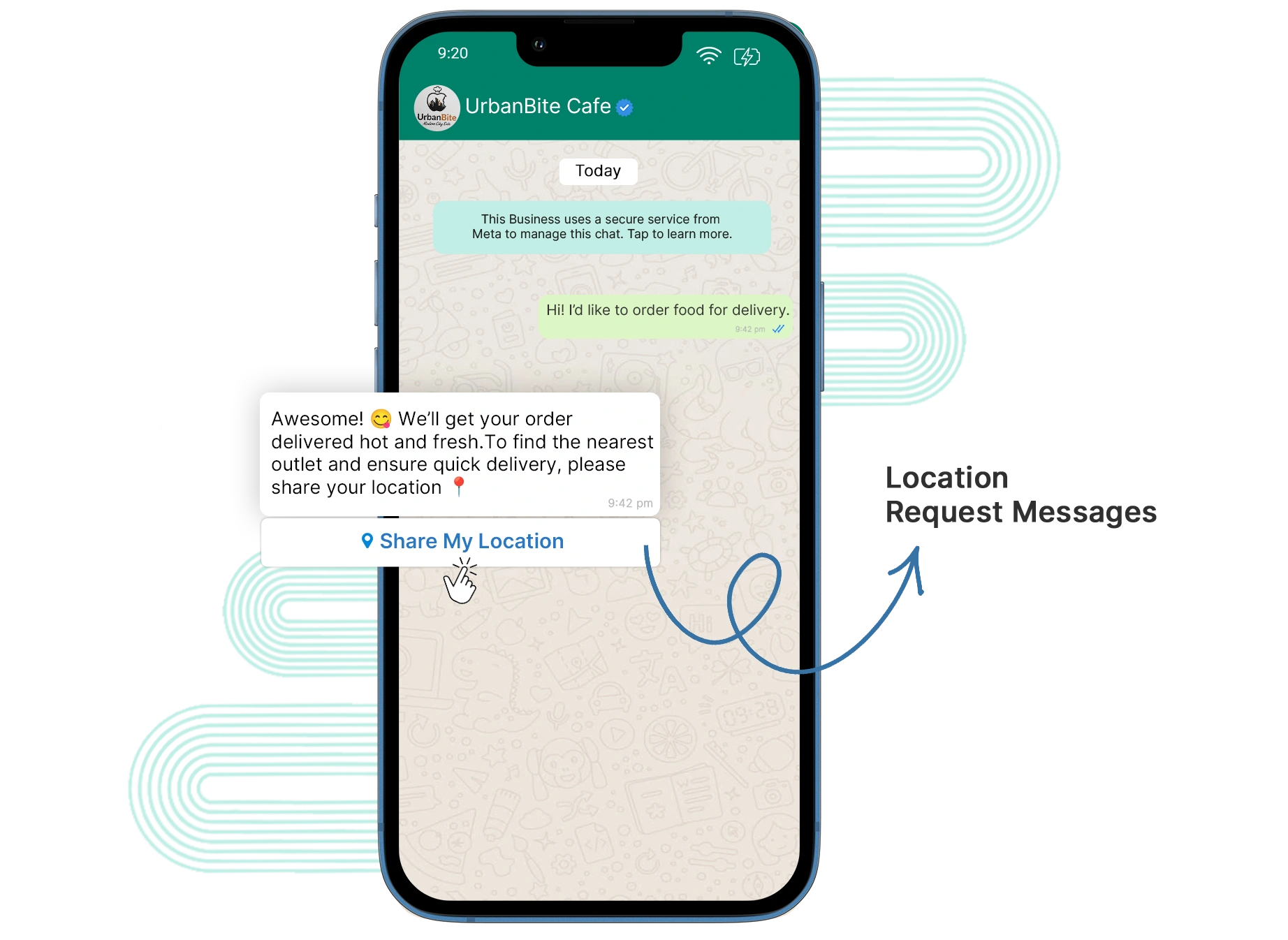
Ask your clients to share their location with a single click for easier delivery and finding the nearby store.
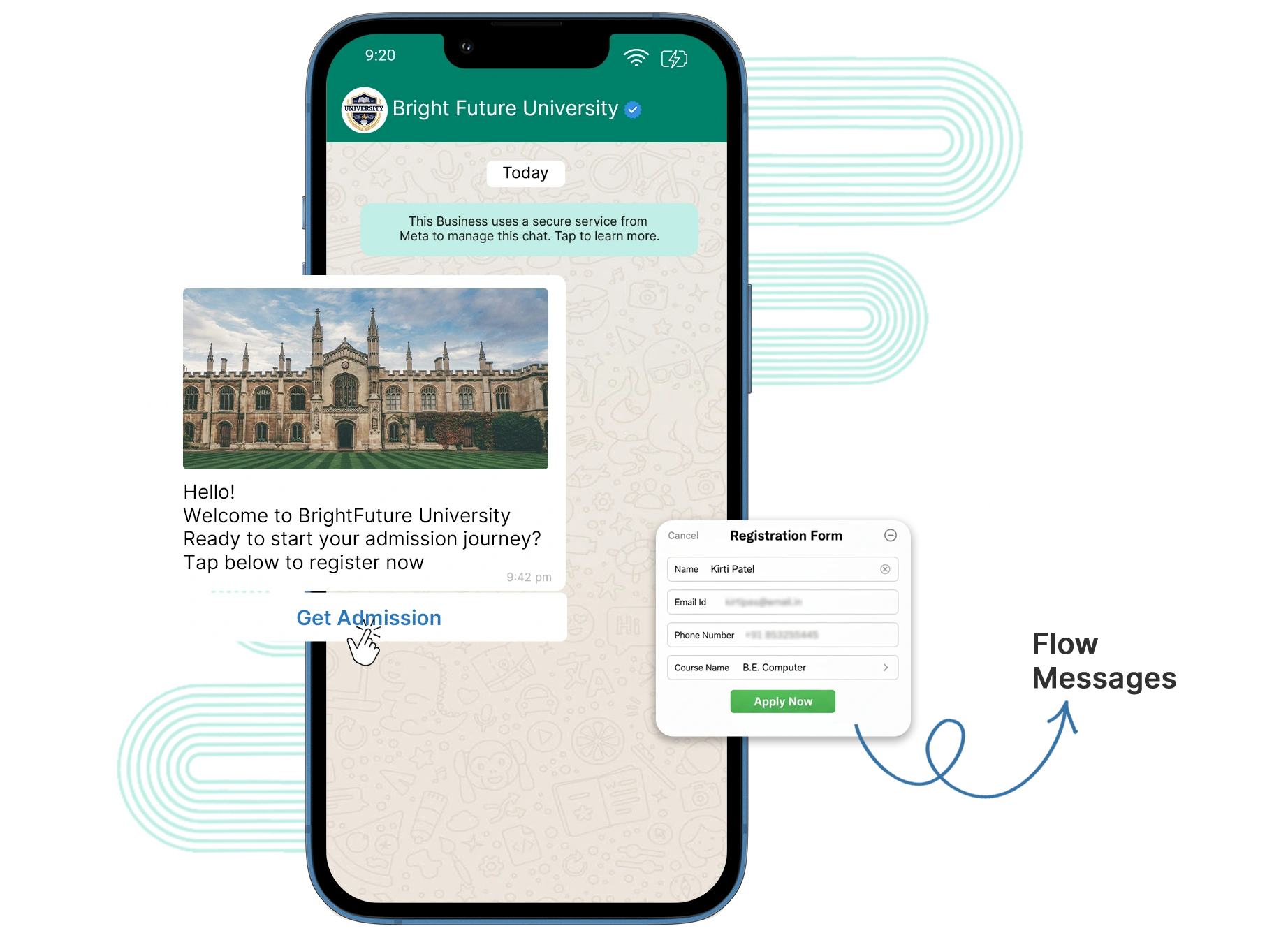
Help users to complete step-by-step processes such as sign-ups, bookings, or surveys.
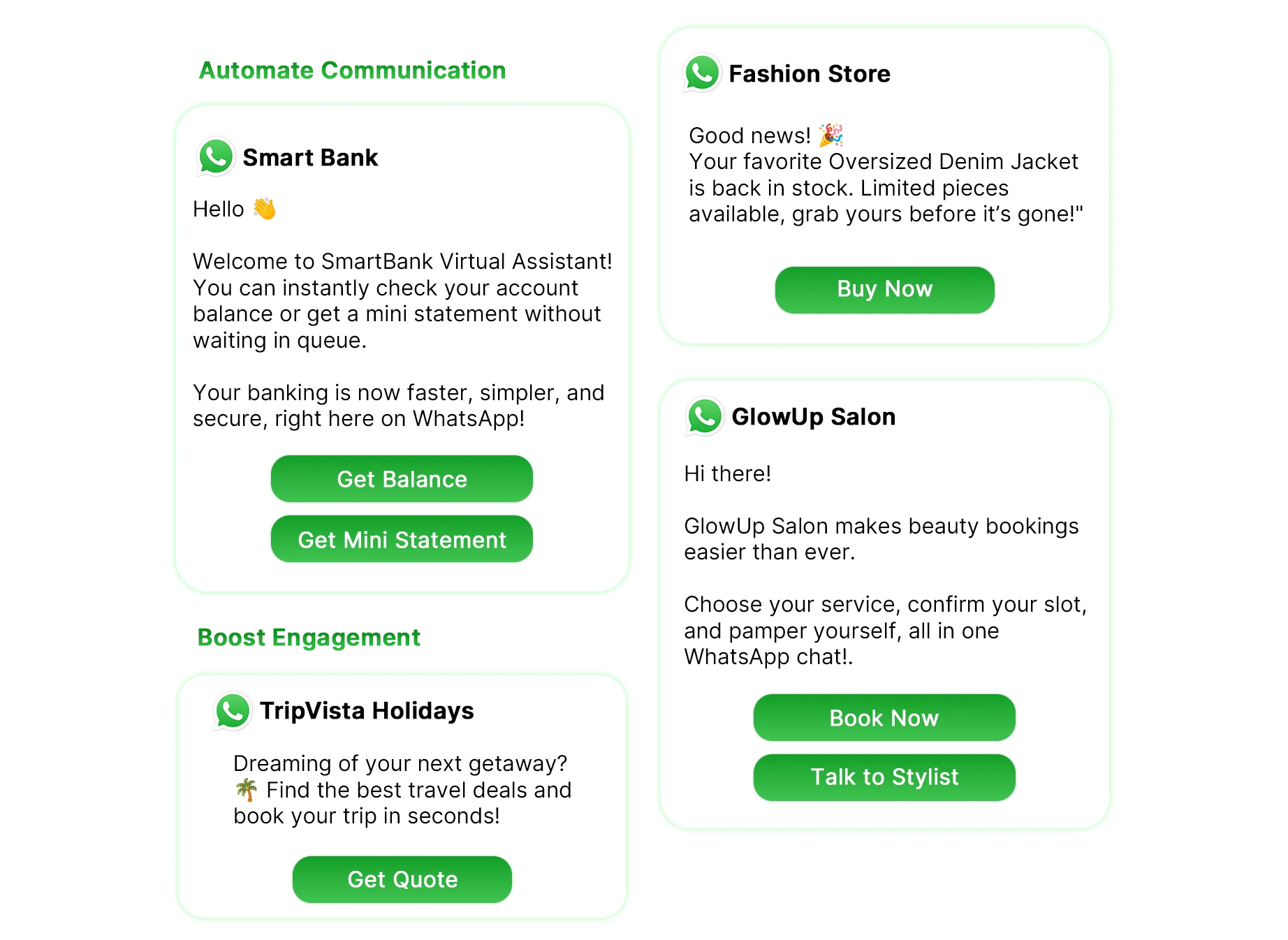
The buttons and quick replies can be used to improve the response rate and make the users act without delay.
Customers can do all things within a conversation; they can find information and take actions like booking and purchasing.
User experience becomes much easier with the help of call-to-action buttons and transforms the chat into a conversion.
Use WhatsApp interactive messages to automate workflow to send instant responses and save time.
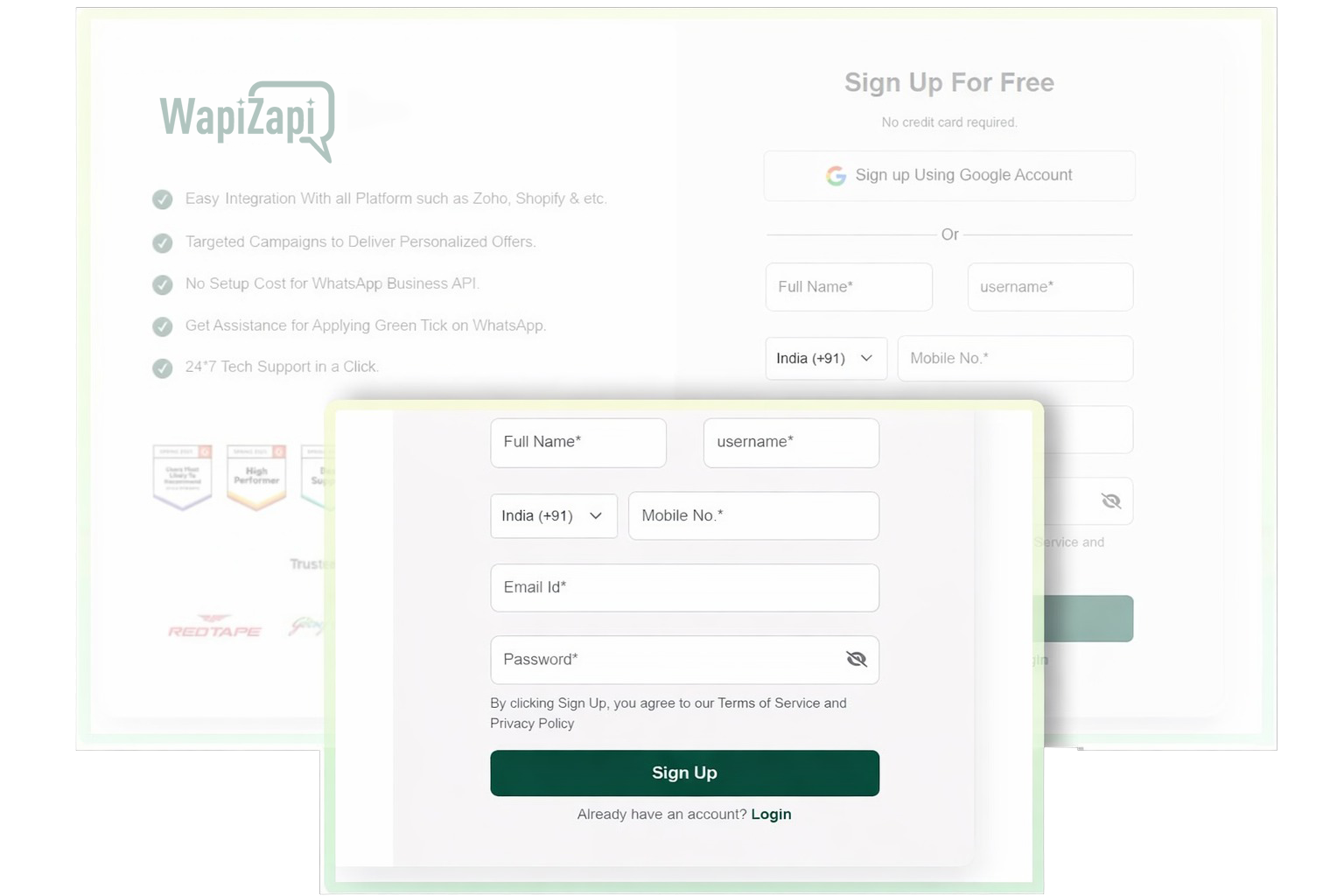
Sign up for a WapiZapi account to create and send interactive button messages via WhatsApp.
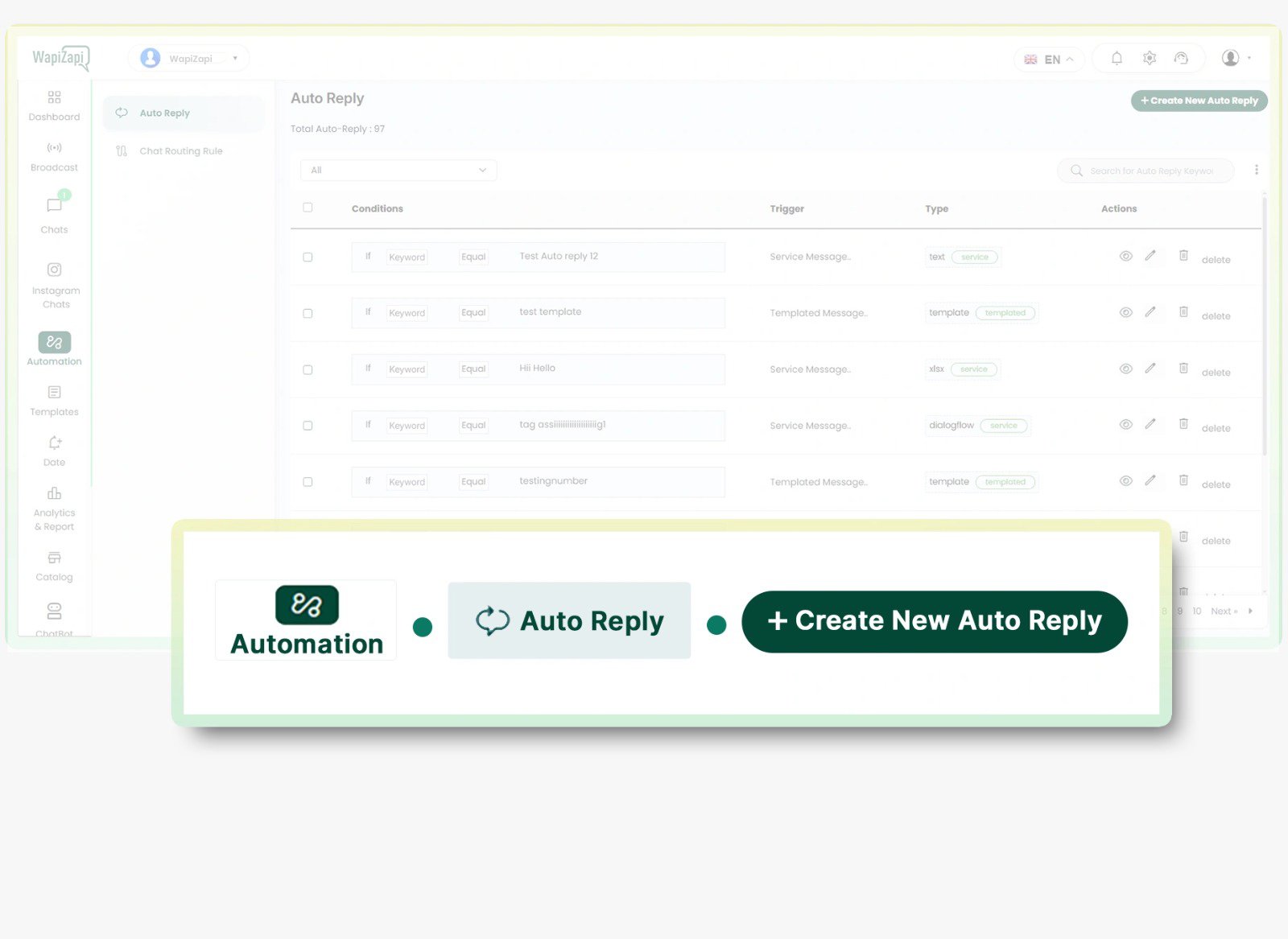
Go to the automation tab at the WapiZapi panel and click on “Create New Auto Reply” to start creating your interactive message.
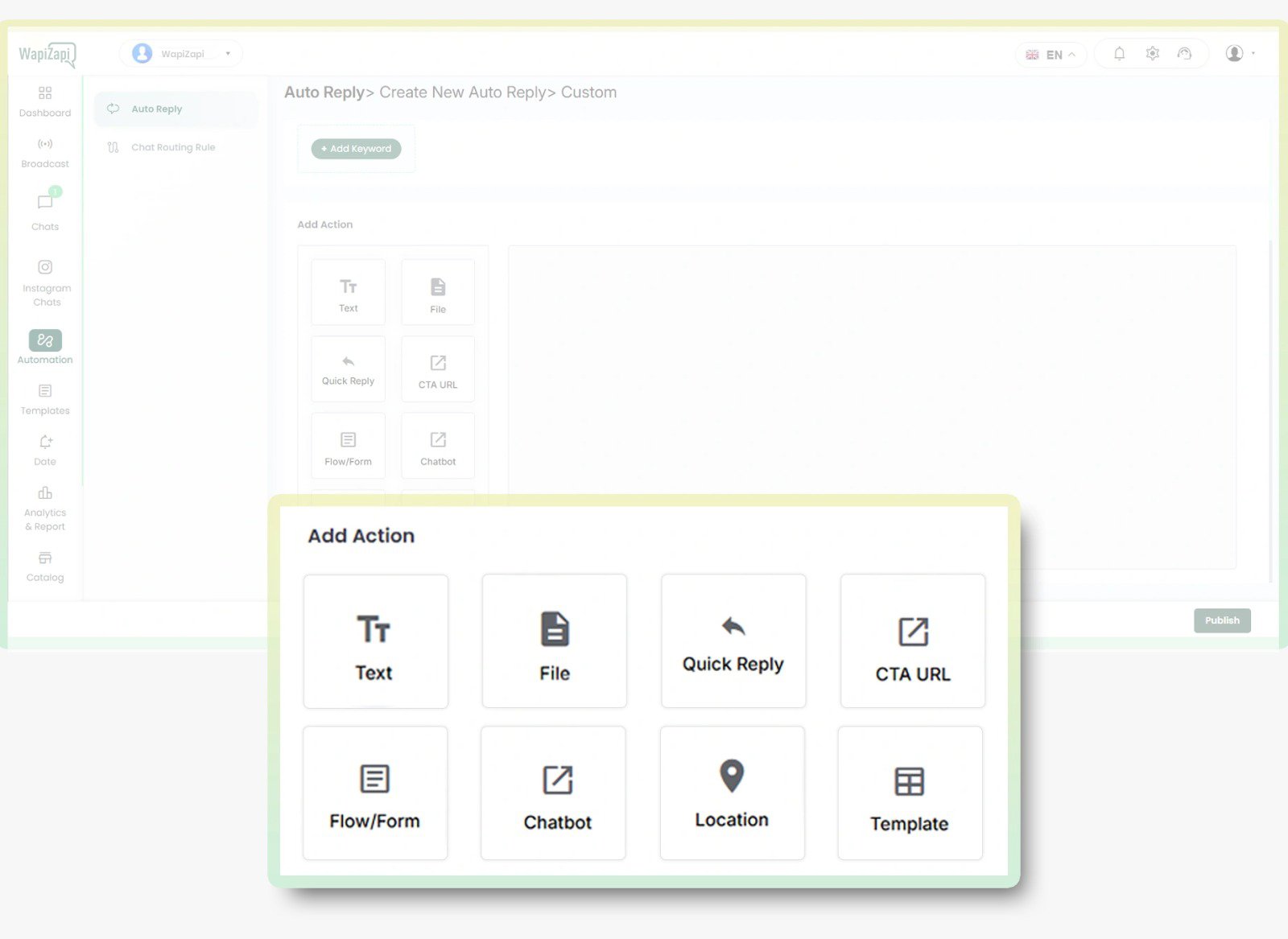
Now choose the interactive messages that you want, like Location Requests, Quick Replies, Forms/Flows, or CTA Buttons. Then customize the message and actions.
See how WhatsApp Business Platform helps businesses boost marketing, streamline sales, and improve customer support.
Reach customers instantly with high-engagement broadcasts and personalized offers.
Convert chats into sales with automated workflows, lead management, and fast follow-ups.
Provide fast, reliable customer support with instant replies and automated ticket management.